







Background music with Spotify/Apple Music/YouTube Music etc.
To play your own music during a workout, first pause your session and tap the Music icon as shown below.
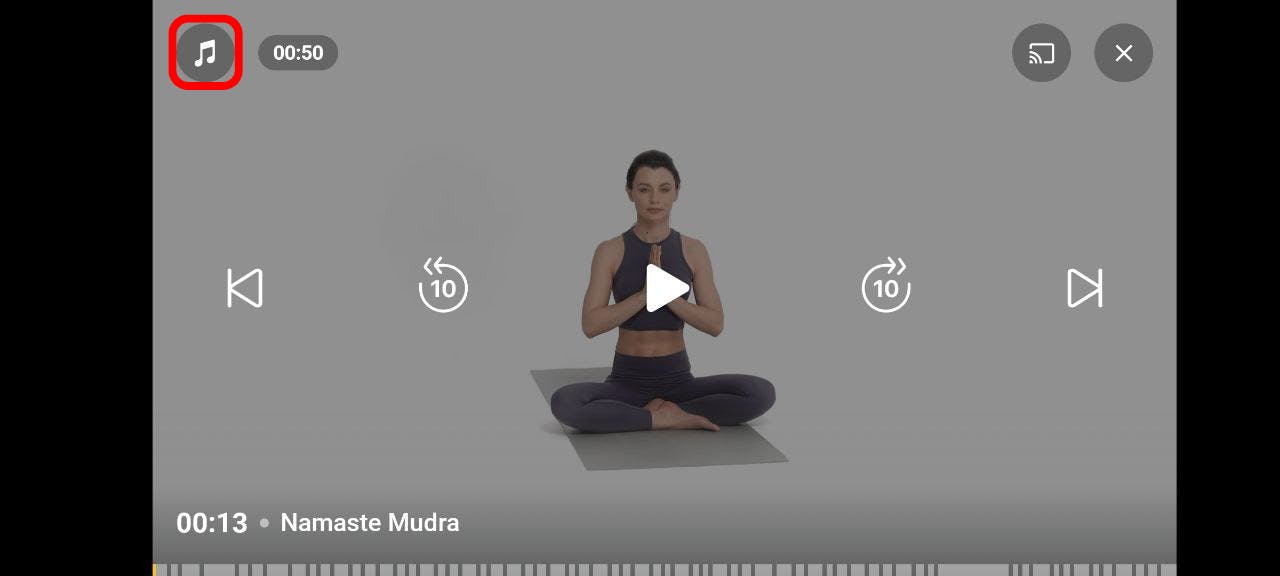
You will be redirected to the Settings screen, where you can adjust the volume or mute the instructor’s voice and/or background music.
From there, follow these steps:
1. Turn off the background music.
2. Open your music provider app on the phone.
3. Select the song you want to listen to.
4. Open the Yoga-Go app and continue training.
