

Can I stream Yoga-Go on my TV?
BACK TO TOP
1. Connect your device to the same Wi-Fi network as your Apple TV or AirPlay 2-compatible smart TV.
2. Open the app and find the workout that you want to stream.
3. Tap AirPlay.
4. Choose your Apple TV or AirPlay 2-compatible smart TV.
5. Once you’ve completed these steps, the content should display on your TV.
6. To stop streaming, tap AirPlay in the app that you're streaming from, then tap your iPhone/iPad from the list.
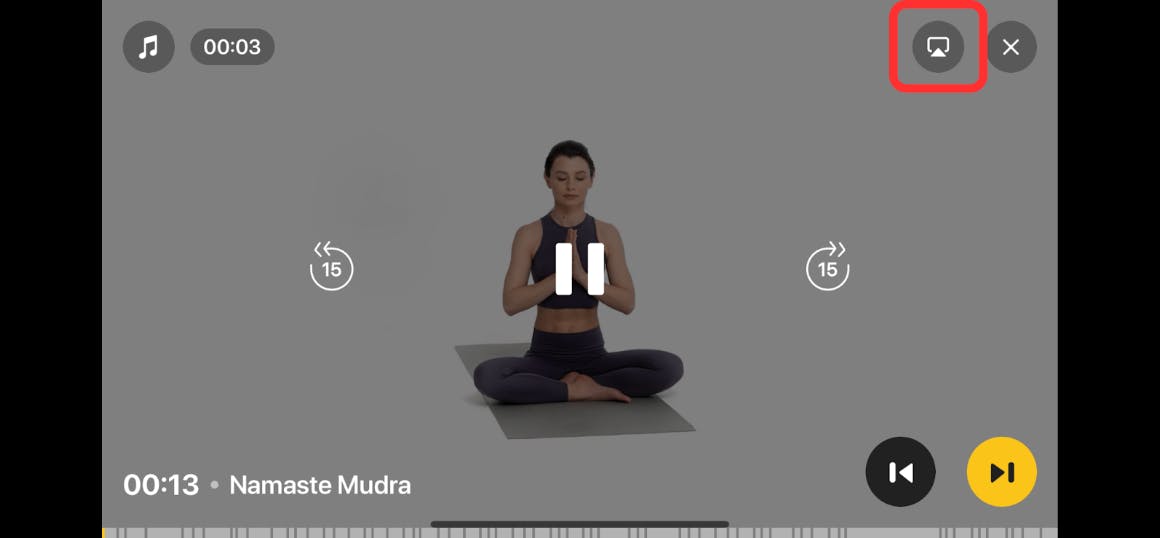
Once you’re done, the content should be displayed on your TV.
