







Can I stream Yoga-Go on my TV?
BACK TO TOP
1. Make sure your mobile phone is on the same Wi-Fi network as your TV.
2. Install Google Home on your device. Please note: the screen sharing option is only available through the Google Home application, so you need to make sure that this service is available in your country for download.
3. Touch and hold the tile of the device you want to cast your screen to.
4. Tap Cast > Cast Screen in the app as shown below.
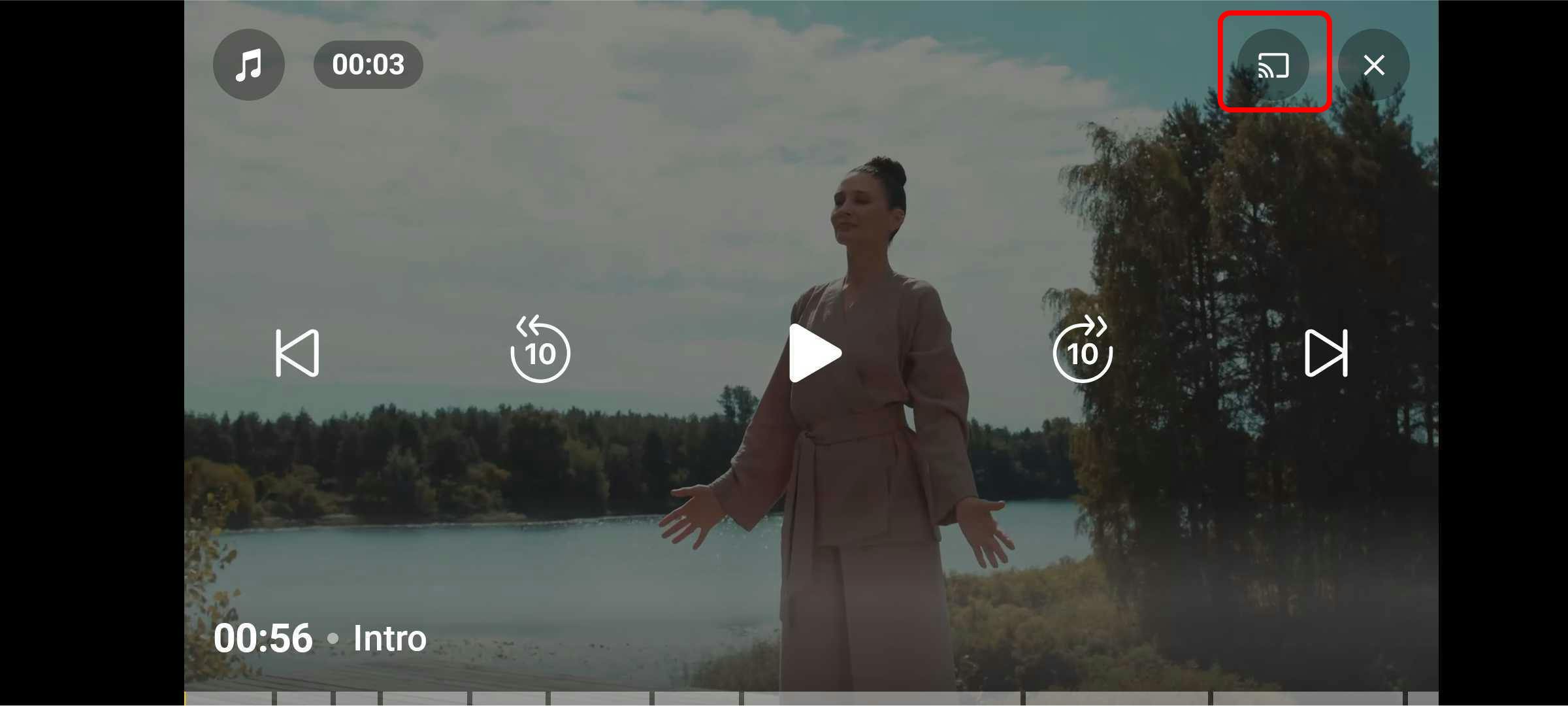
Once you’re done, the content should be displayed on your TV.
