

I bought the app - what should I do next?
BACK TO TOP
You’ve completed your purchase—and we’re excited to help you get started on your iOS device. Here’s how: Here’s how:
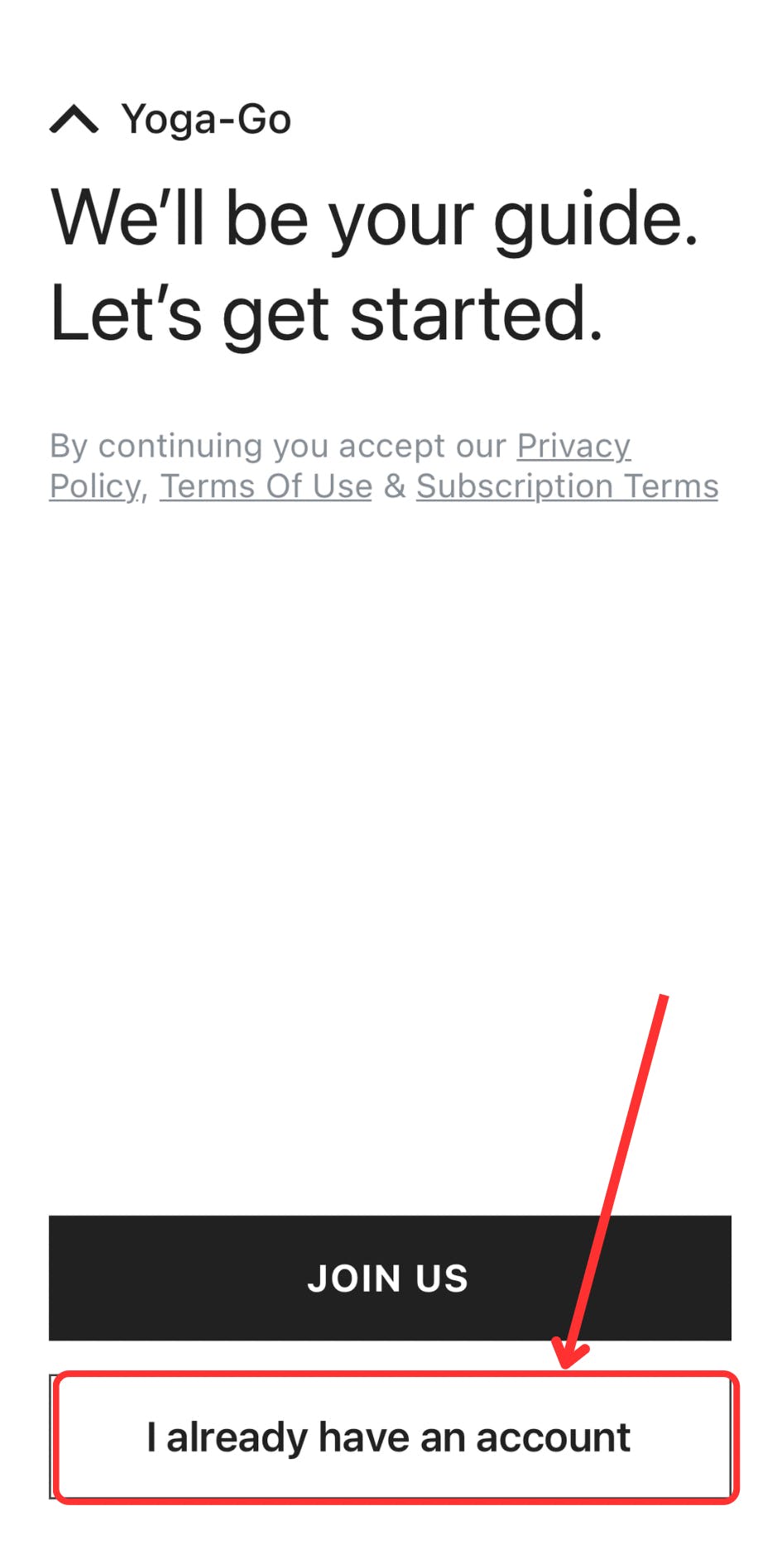
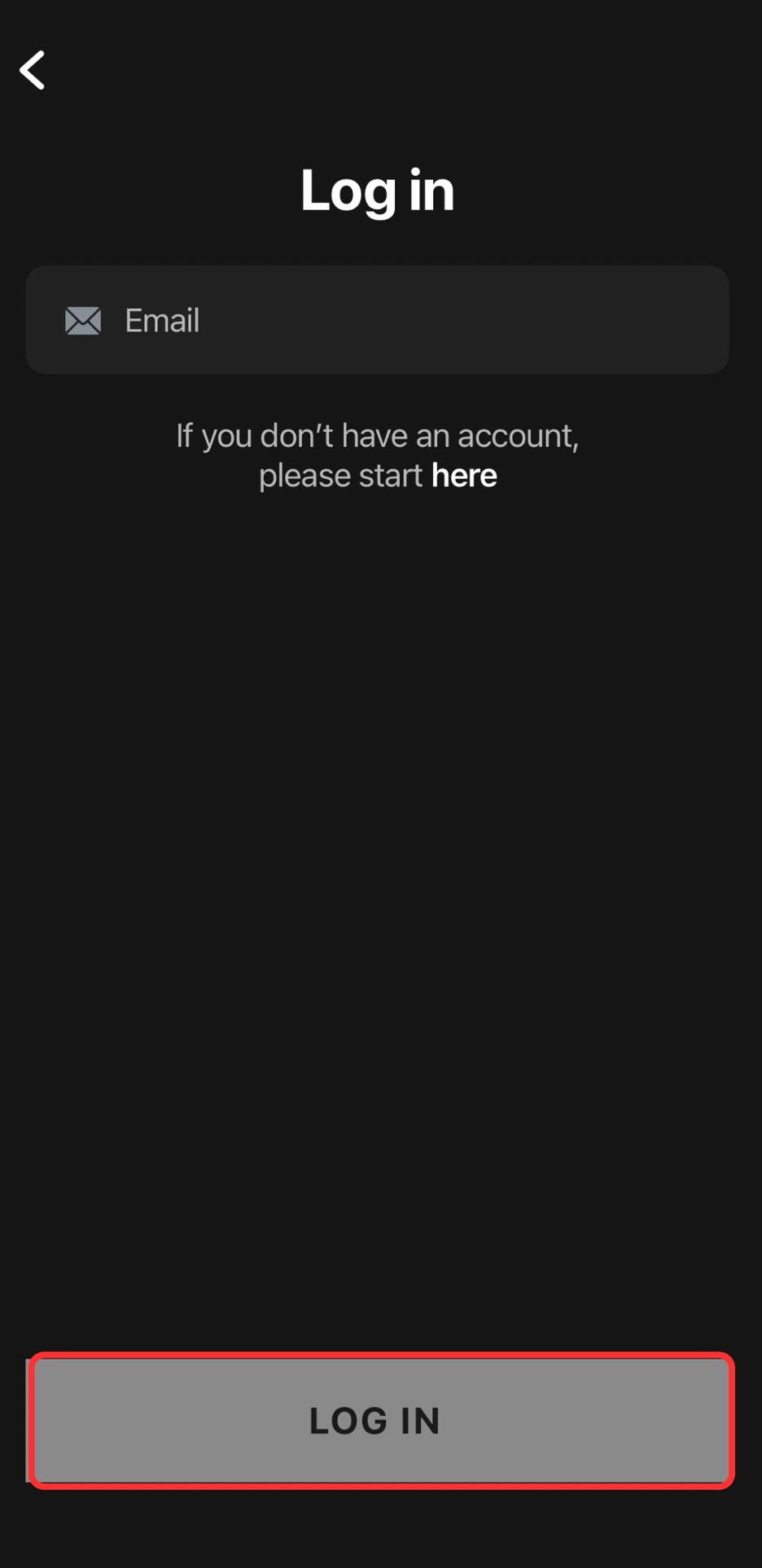
3. Enter the email address you used when purchasing the app.
4. Tap the Log In button to log into your account as shown below.
5. Enter the security code sent to your email.
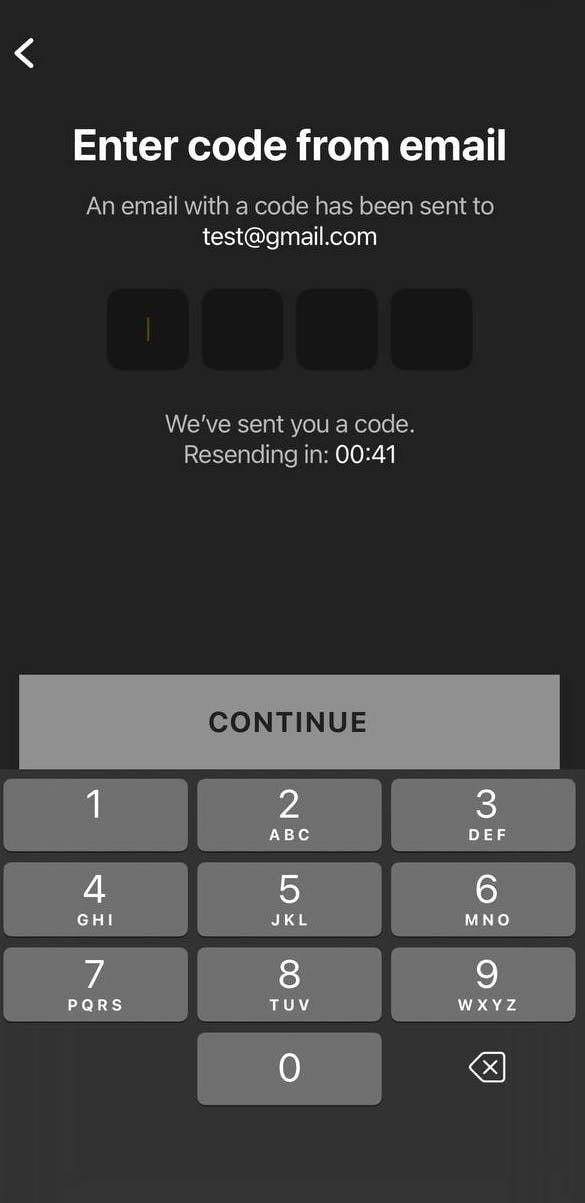
! If you don’t receive an email with a security code, please check that the email address you entered is correct. Also, if you have any spam filters enabled within your email settings, please make sure to check your spam folder.
If you experience any further issues with accessing the app, please contact our support team via the Contact Us form.
