
How much does a subscription cost?
Once you open the website and finish setting up your profile, you’ll be guided to the payment screen with up-to-date information on available subscription plans, including plan pricing and billing period. This payment screen is the best source of information regarding pricing, so to avoid confusion, please reference this information.
Since we occasionally run promotions, there might be different discounts available. To avoid surprises, please make sure you're aware of all the terms and conditions associated with our subscriptions. These can be found in our Terms of Use prior to subscribing.
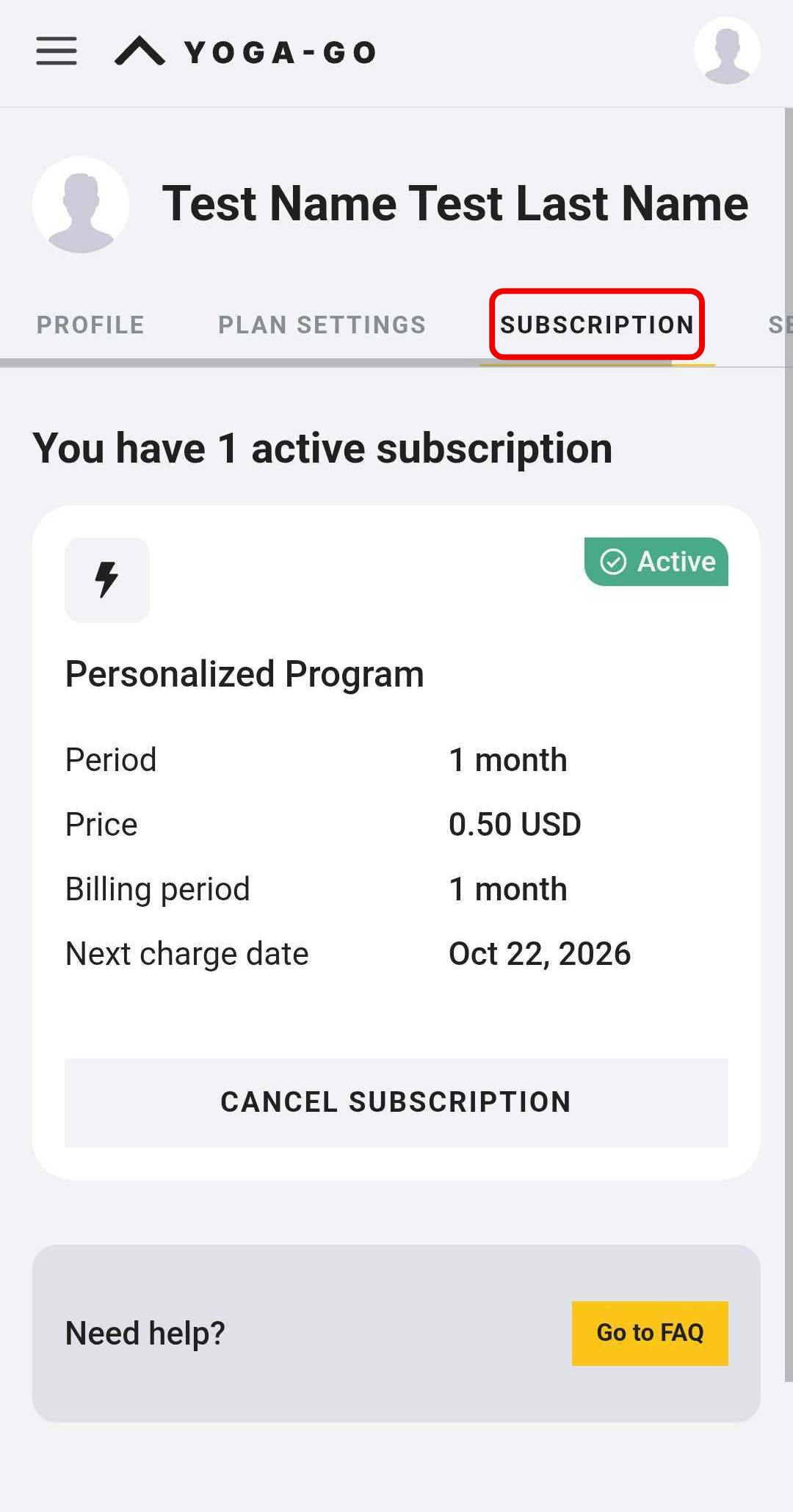
If you already have a subscription, you can always check your current plan in the User Account section of our website. To do that, just follow these steps:
1. Open this link.
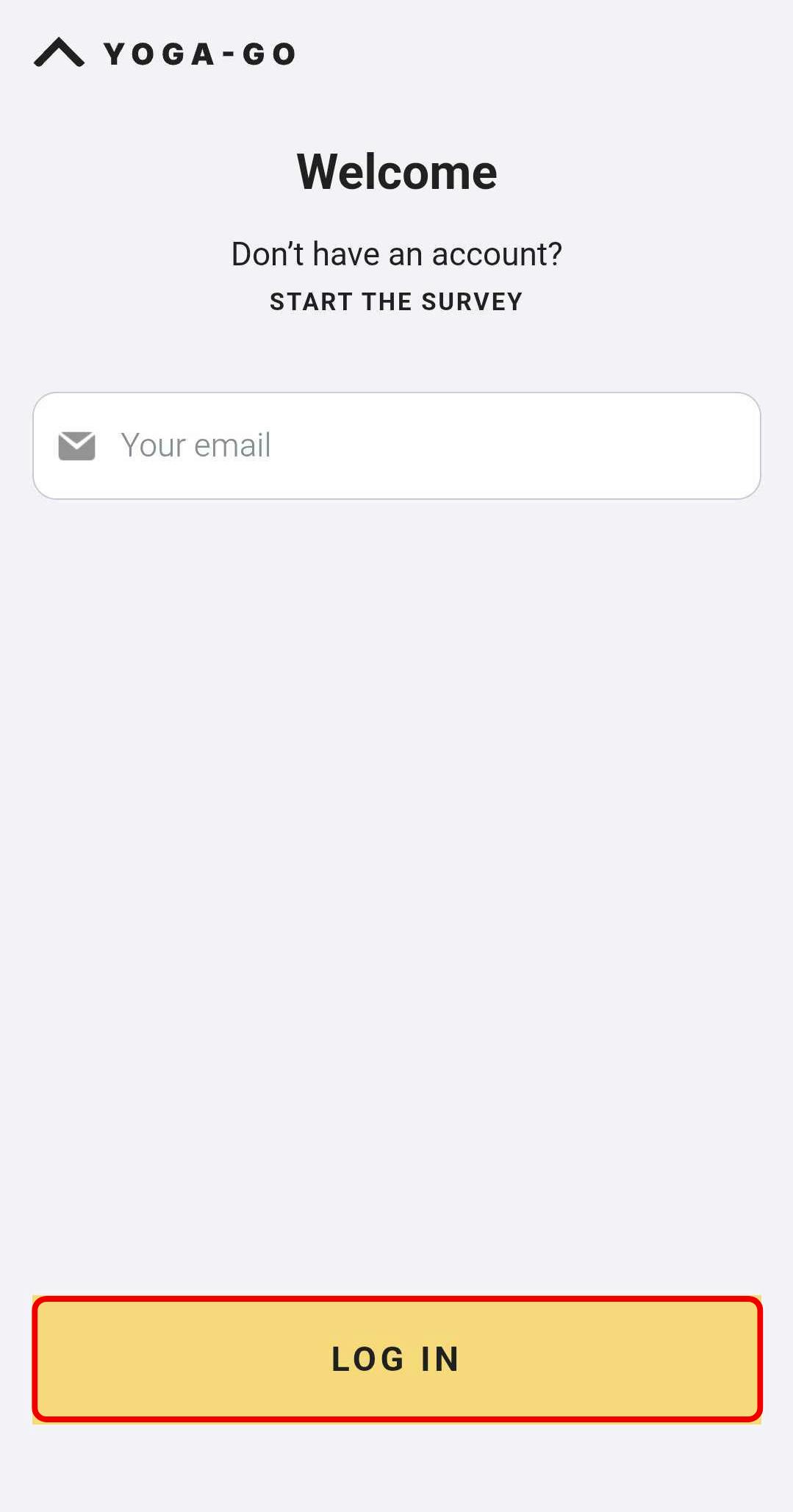
2. Enter your account information and tap the LOG IN button as shown below.
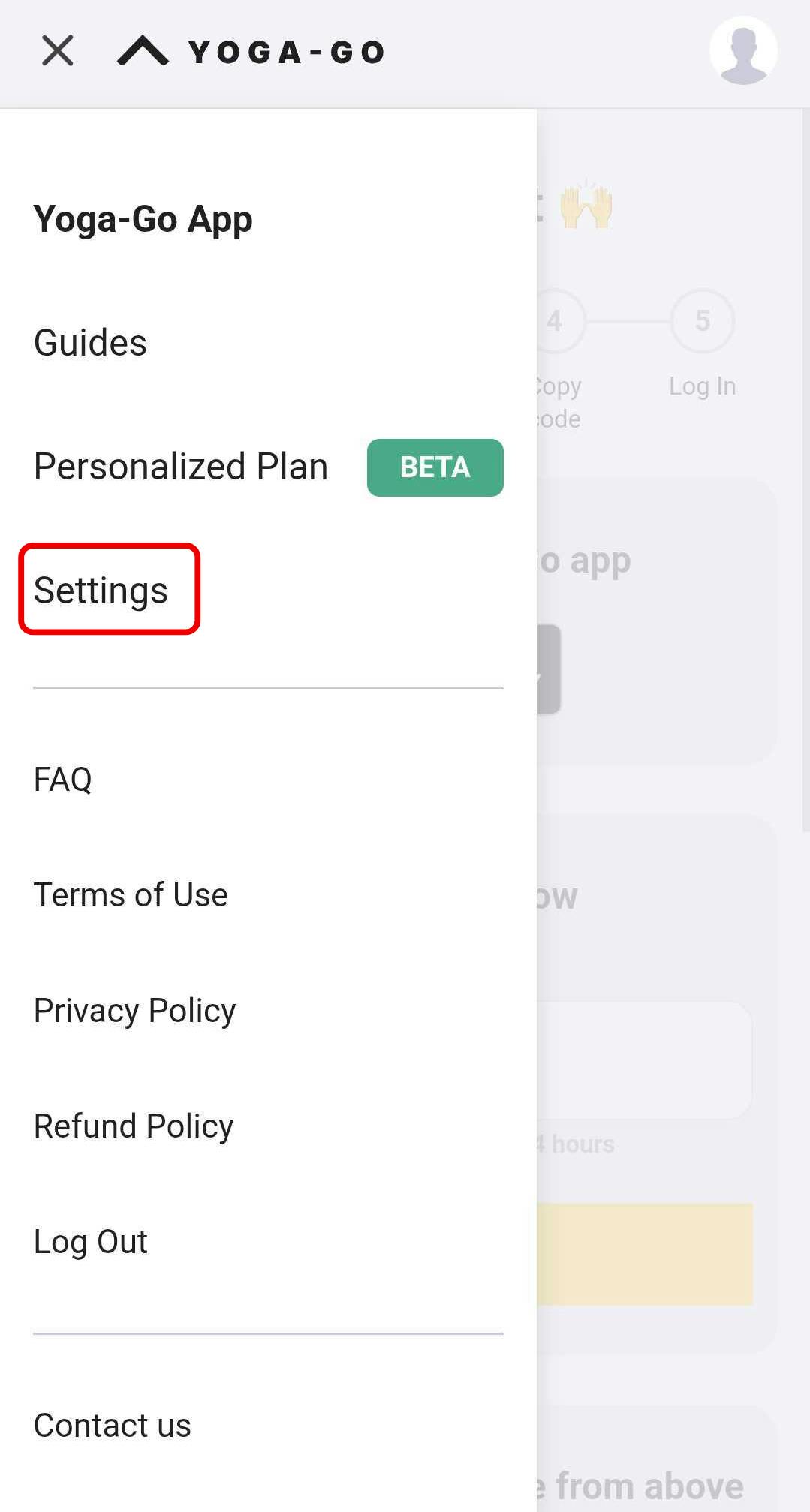
3. Open the Settings tab.
4. Tap the Subscription section. There you'll find your current subscription information.