

How can I check my current subscription?
There are several ways to reference your current subscription information.
Via the invoice email:
Right after your purchase, we send a receipt with your plan price and renewal date. If it’s not in your inbox, please check your spam folder.
In the app:
- Open the Settings tab.
- Go to Subscriptions.
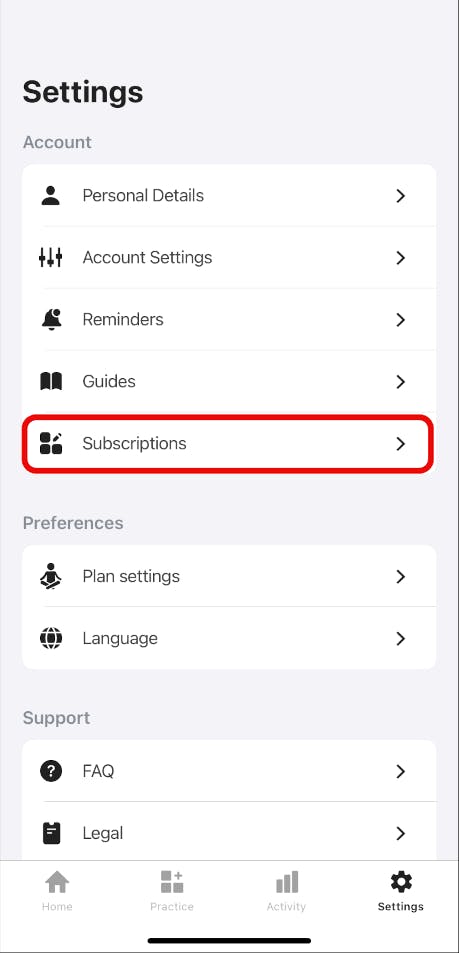
3. You’ll be redirected to your web account, where you can view all your subscriptions.
On the website:
- Open this link.
- Enter your account information.
3. Open the Settings tab.
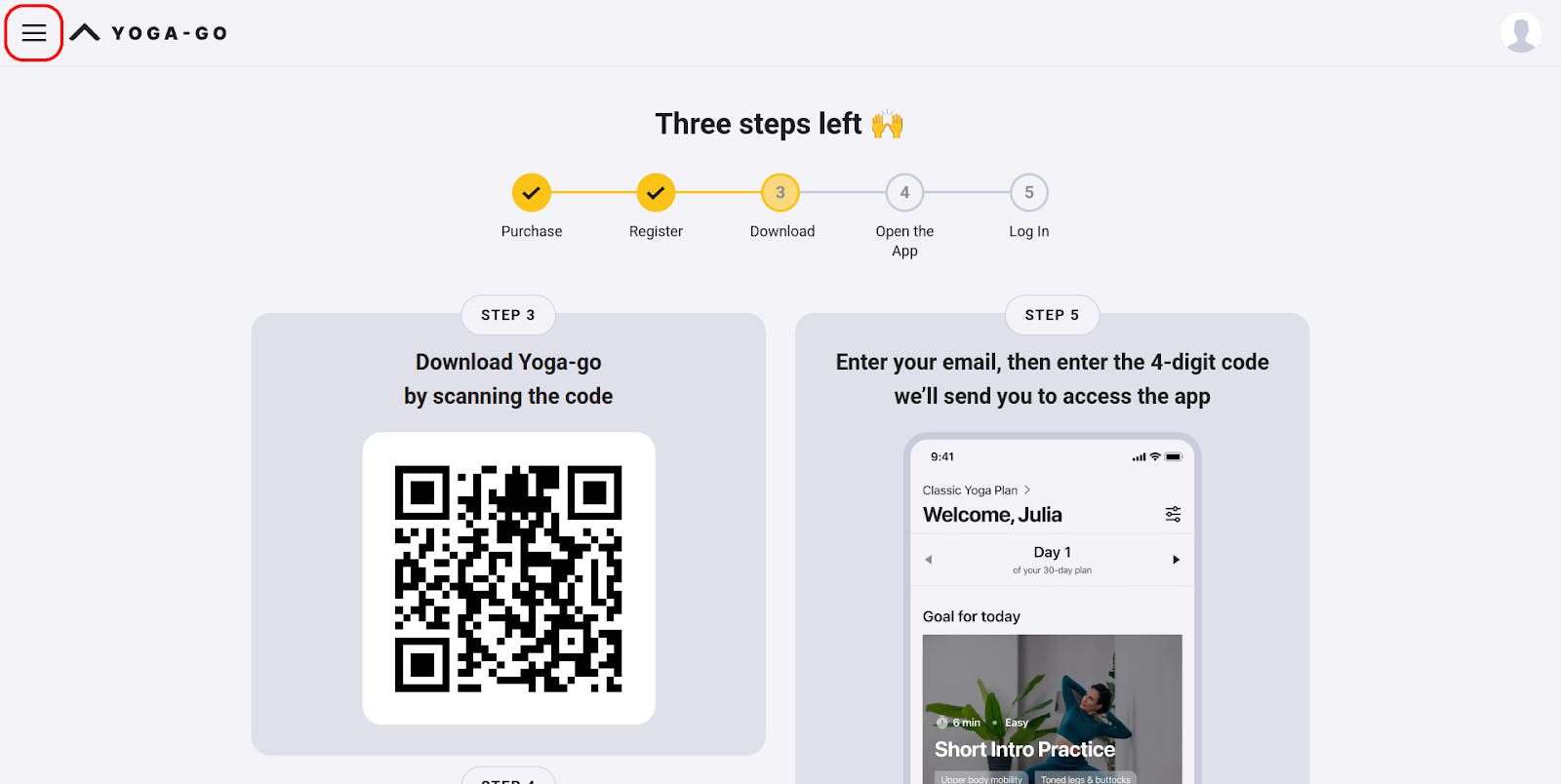

4. Go to the Subscription section. There you’ll see the information about your current subscription plan.
Please note that a subscription purchased on our website won’t be displayed in your Apple ID or Google account.
If needed, you can always contact our support team via the Contact Us form, and we’ll gladly provide you with your subscription info or help with any other questions.
